Solid
The four families run on a solid instead of a mark: a knob cut into sections, each section redrawn, the body skinned back together, and a lamp that says when a file would come out crossed.
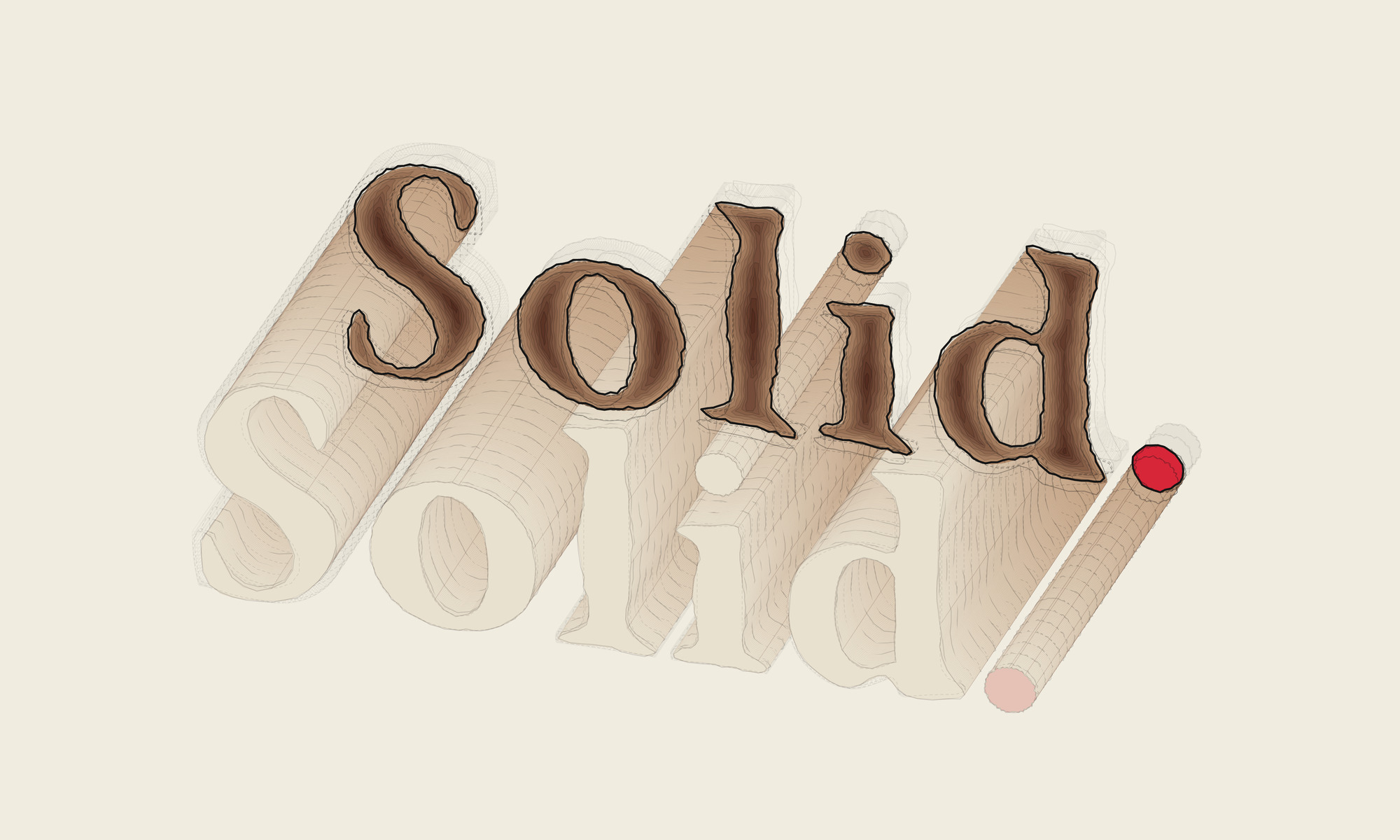
The last study pushed a flat mark around. This one pushes a solid. The object is the wooden knob from On Making a Knob, Briefly: the disc, the ring, the boss and the two dowels, taken from the model I made for that study’s AR viewer and joined into one body. The hardware is left out.
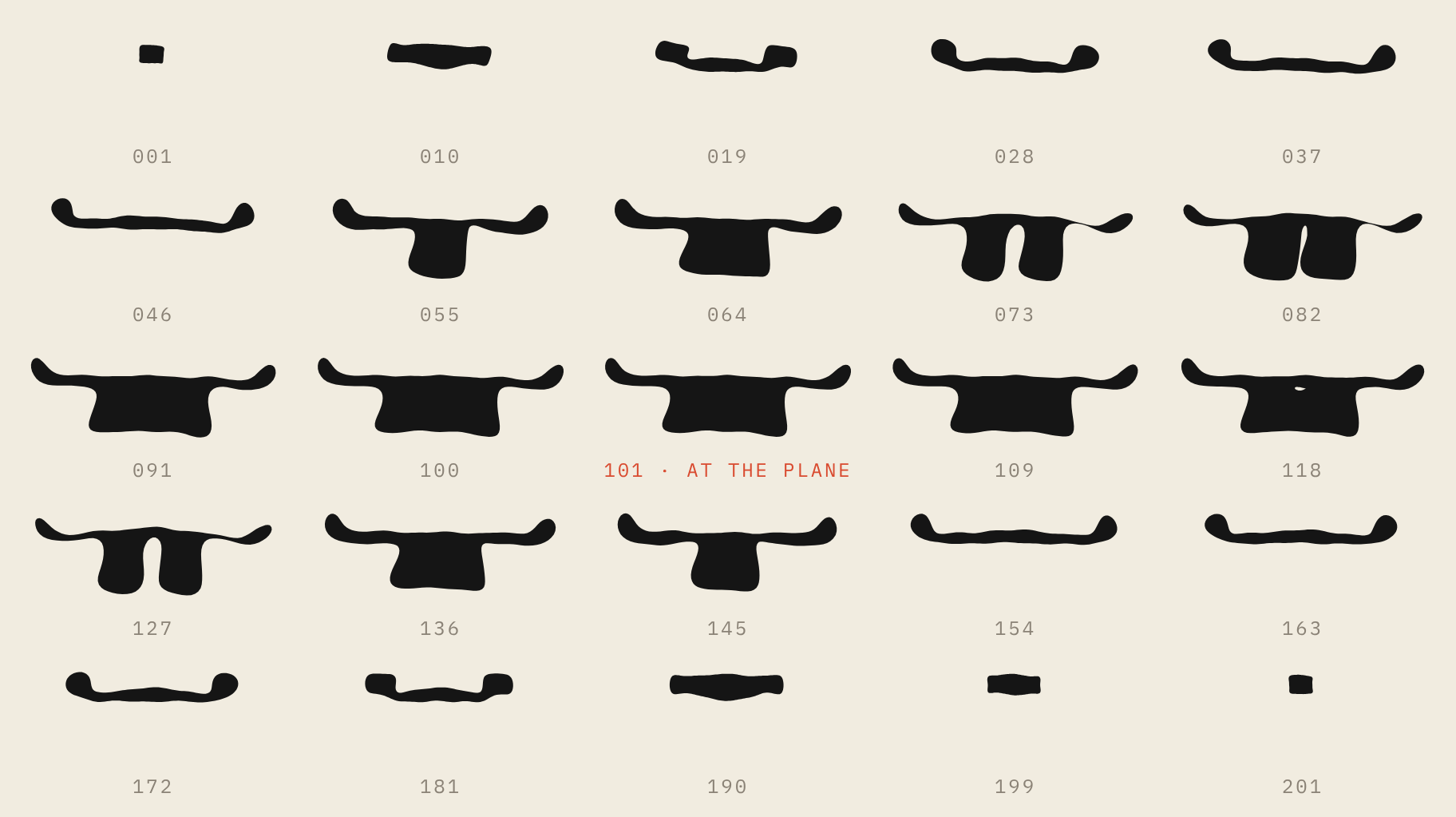
The instrument cuts the knob the way a building gets cut in a drawing set: parallel planes, one after another, 201 of them across the width. Each cut is a true outline of the wood at that plane, screw holes included. Then the four families from On Palimpsests go to work on each outline, in its own plane, exactly as they work on a mark. Nothing is pushed in three dimensions. Every section is redrawn on its own, and the body on screen is those redrawn sections skinned back together, what a modeling program calls a loft. What you are looking at is never the knob. It is what the families made of it, section by section.
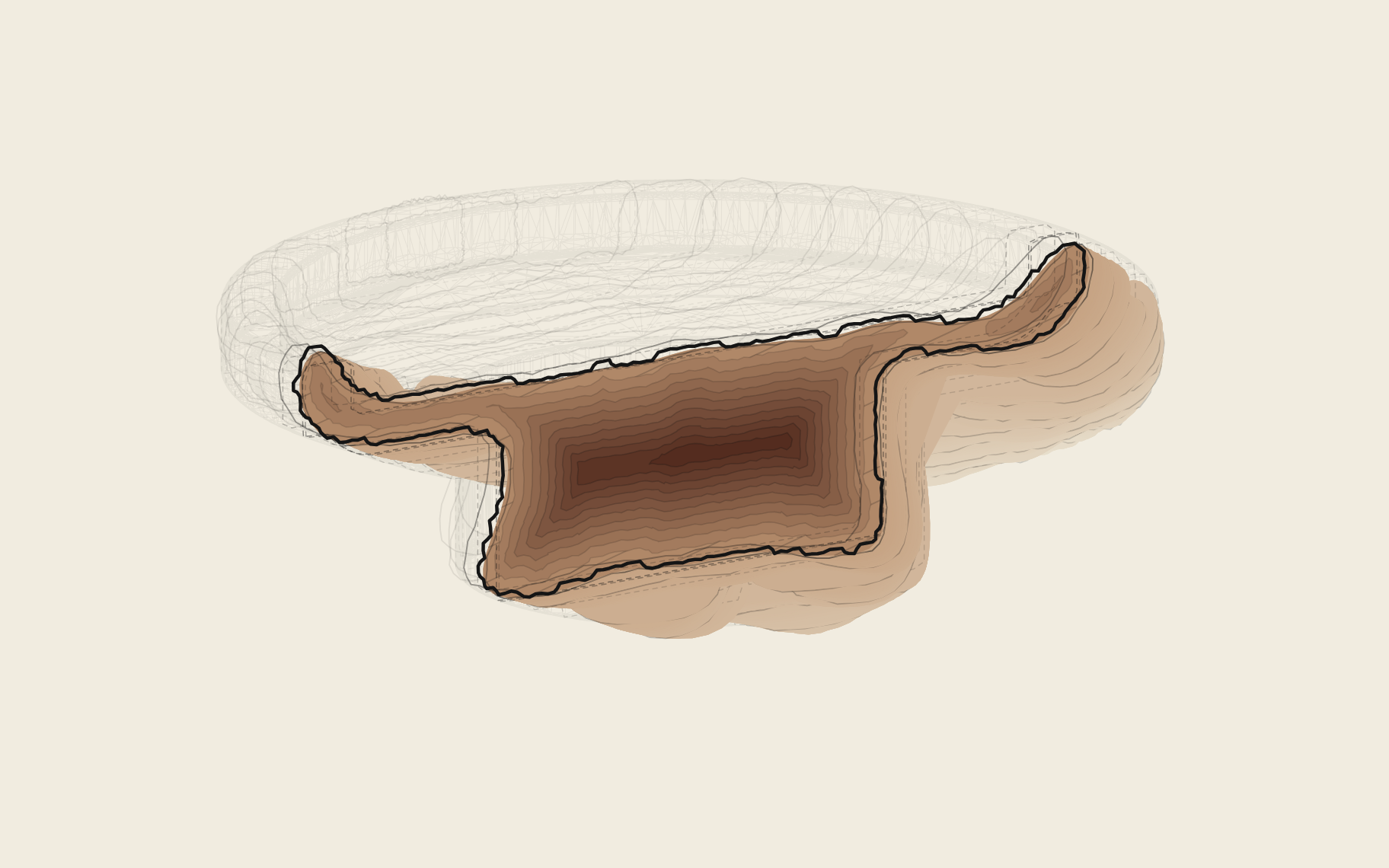
The knob itself stays under the loft as a faint ghost, so you can see how far the body has drifted from the thing it came from. T location slides the cut through the body. The section you stop on is drawn in plan with its hatch, and the cut just before it and the cut just after it stay on either side of the plane as outlines. Those two are the point. One section is a shape; three in a row are a direction, and the direction is what tells you where the body is going.
Fourier rebuilds each outline from simple curves, and turned down it rounds every corner of the knob’s profile. Spiro runs a scallop along the edges. Wave sends a ripple around each one. Clifford bends the whole section at once. Constant A changes what each one does and Constant B how hard it pushes. The drift grows from one end of the body to the other, and Range sets how far it is allowed to go.
There are four exports. Export SVG writes the view on screen for Illustrator: the ghost, the loft band by band, the section with its hatch, and the cut before and after, each a named layer, every line a path. Export flat set writes the sections flat and in registration for After Effects, each built from the same points in the same order, so one morphs into the next without twisting. Export silhouette writes the body as one filled shape. Export model writes the body as a solid, OBJ or STL, that opens in Rhino or Blender, the same kinds of file Load Model reads. They are material: for animation, for graphics, for whatever a brand needs a shape to do.
Beside the export buttons there is a small circle. A section can be pushed until it crosses itself, and two sections next to each other can be pushed until the skin between them folds over. The screen will still draw that, but the file opens in Illustrator with lines running through their own fill and shapes tucked under themselves. The lamp reads the geometry, not the sliders. Off: the section at the cut and its two neighbors are clean. A dim glow: something is within a hair of crossing. Full vermilion: a section crosses itself, two sections cross each other, or the skin has folded. It never stops you. The button fires regardless, and a file made with the lamp at full vermilion carries “crossed” in its name, so you know which one it was before you open it. I wanted a pilot light, not a dashboard.

Here it is. Pick a family, move the sliders, drag the body to turn it, and export what you make.
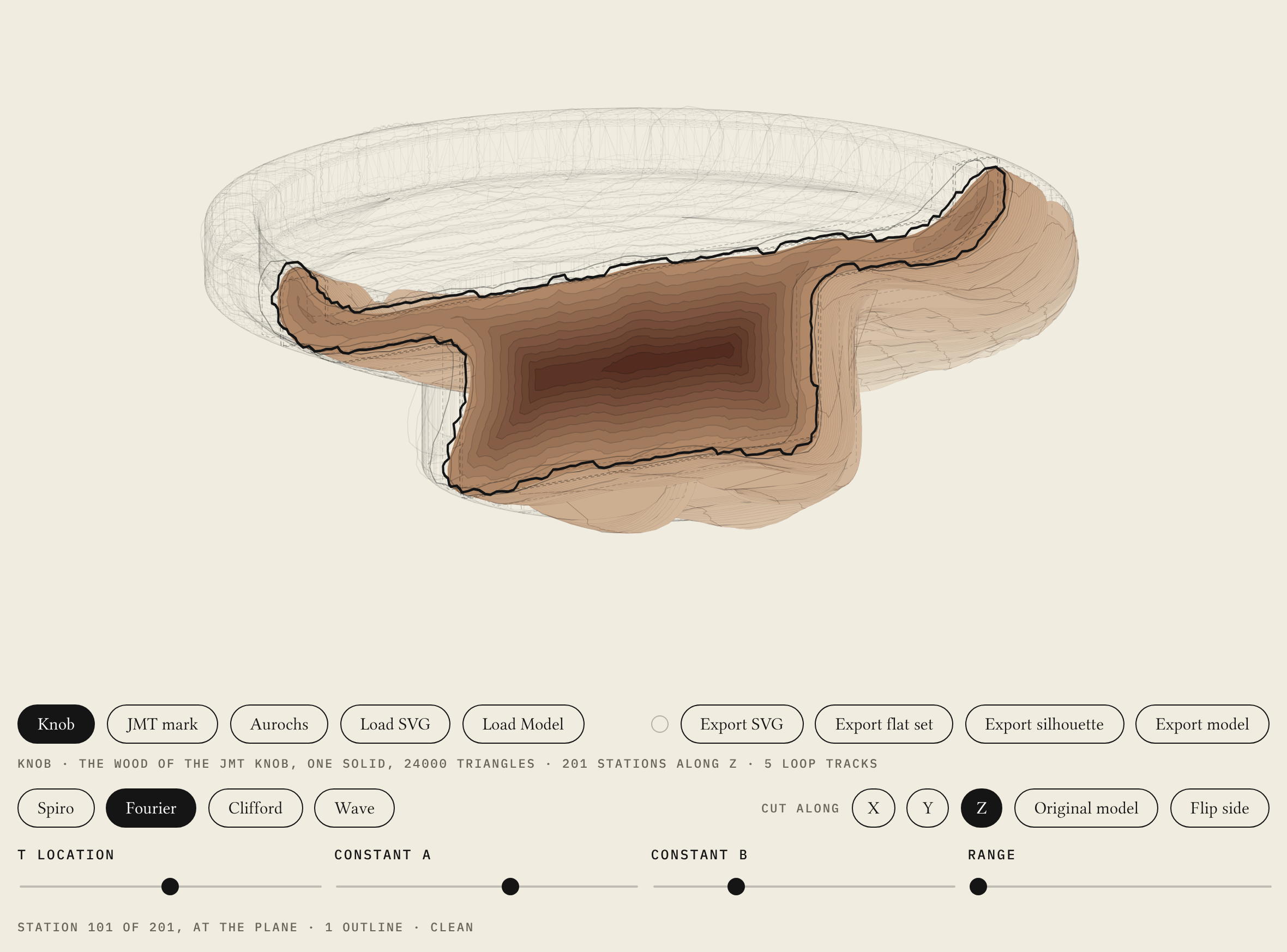
Spiro and Wave light the lamp on the knob almost wherever the sliders sit. Both push every outline outward a little, even at zero, and the knob has inside corners tighter than that push, so at each corner the outline folds over itself. The lamp is right. The knob is a cornered thing, and those two families were made for curves.
Load Model takes a model of your own, OBJ or STL, and cuts it the same way; the file is read in your browser and never leaves it. The JMT mark, the aurochs and Load SVG are still here, so the same four sliders can be put to a mark and to a solid in one sitting.
I did not write the instrument by hand. It was built in AI-assisted sessions on top of the Envelope’s: the slicer, the loft, the lamp. The direction and the object are mine; the lamp’s thresholds were set by measuring where the knob’s own sections actually cross.
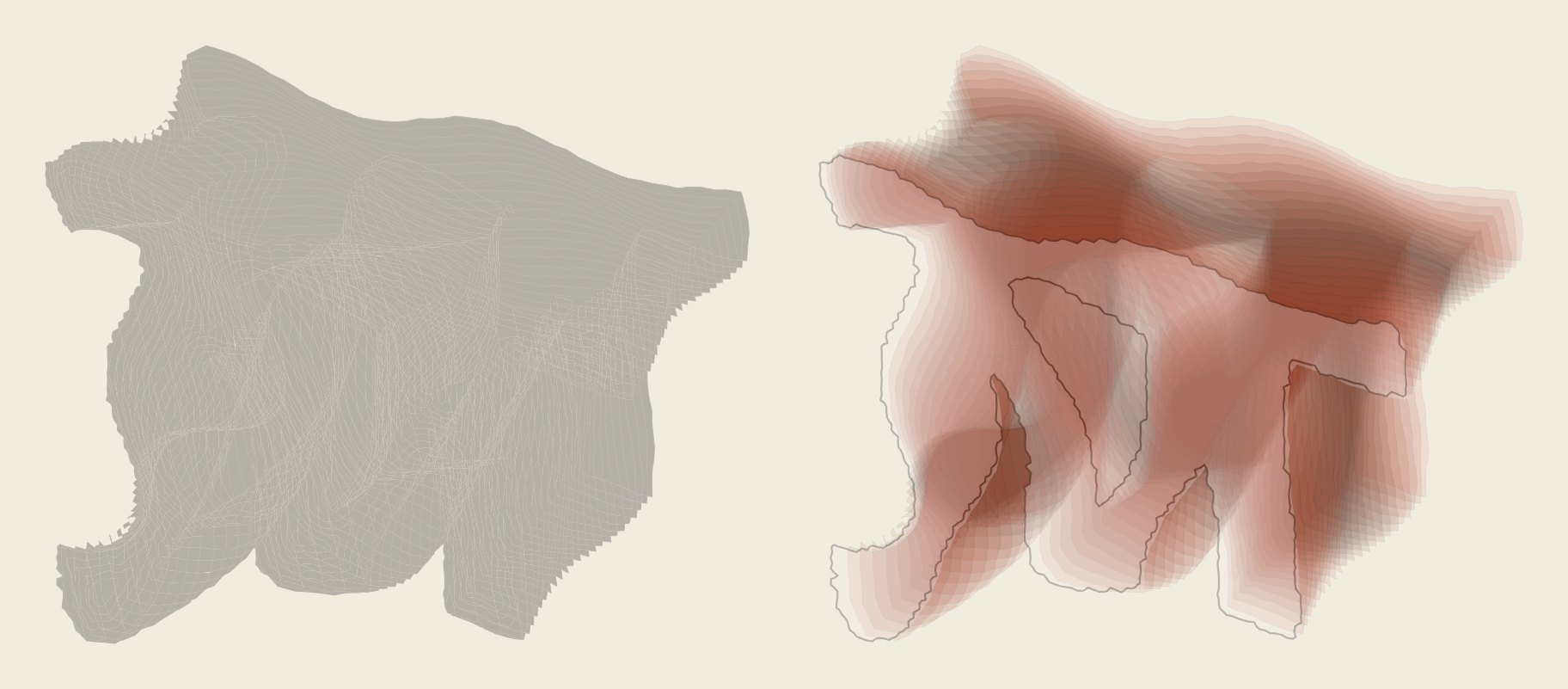
Turn the stack and it can be read two ways. The view has no perspective, so nothing in it says which end is near except overlap and shading, and the eye can take the far end for the front. When it does, the far end reads as the mark again, whole, at another angle. I call it the countermark, after the smaller watermark papermakers set in the opposite half of the sheet. It needs sections that repeat: a mark’s stack, which is one outline redrawn again and again, or a mark extruded into a solid. The knob does not give one; its sections change shape from one end of the cut to the other, so its far end is a different figure, not the same one again. I exported my own mark under Wave with Flip side on. To a person who has never seen the JMT mark, the file is a gray mass. I drew the mark, so I find it, the cuts running northeast. Illustrator’s AI agent read the same cuts running southwest and drew a perfectly legible mark on that reading.
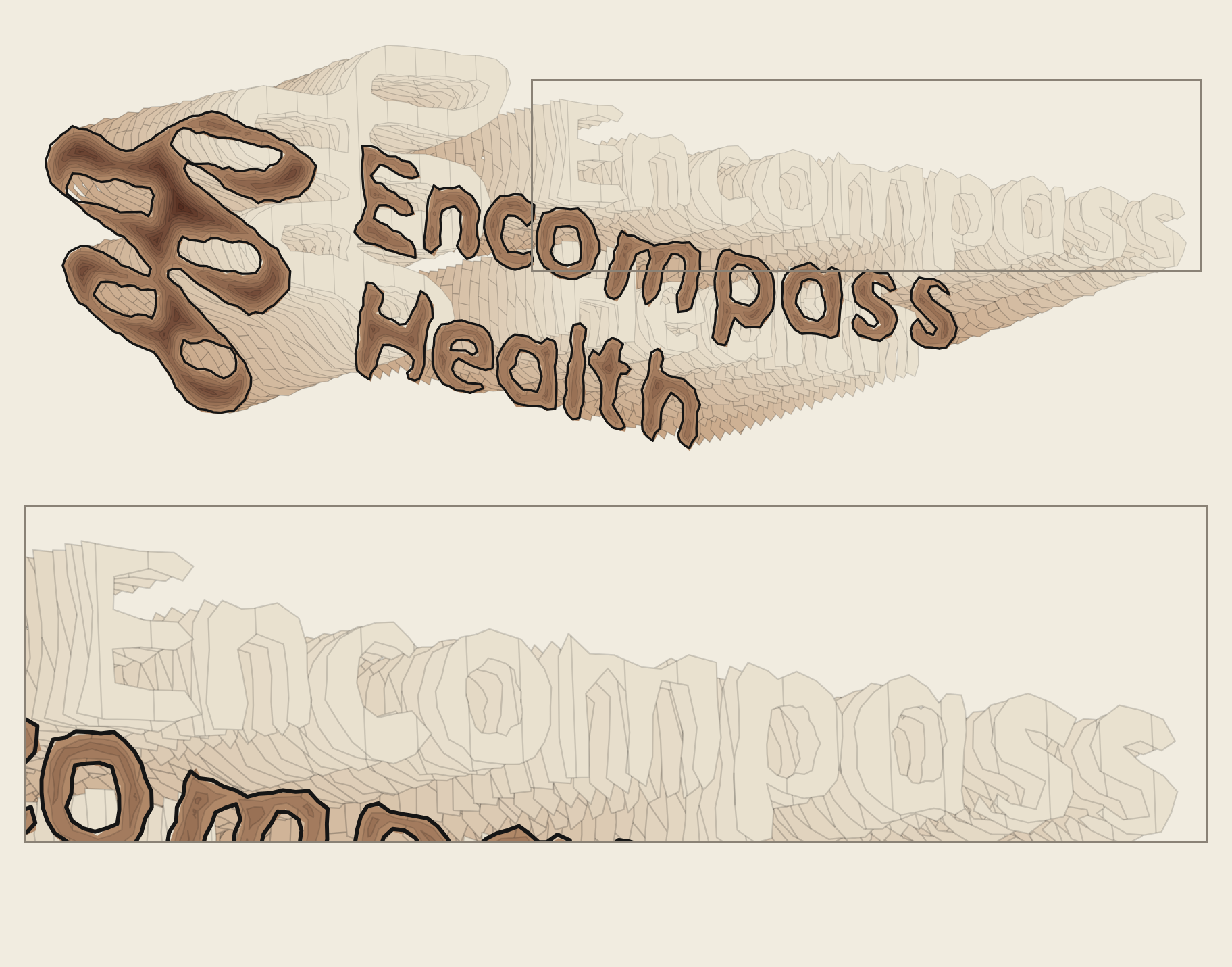
It happens on a published mark too: run through the instrument, the Encompass Health mark holds a second one in its stack, at another angle, two readings of one mark from its own outline. HealthSouth merged, renamed itself Encompass Health and came to Prophet for the new identity, and in 2017 I drew the signage family that carried it.
A concept study and a working instrument. The Recognition Envelope’s four families on a solid, four exports, one lamp.
